Most AI marketplaces assume you’re a developer. If you can’t write JSON or call an API, you can’t use the tools. Glyphs change that by letting every tool on Rival run through a simple form. To run a tool, fill in the boxes, hit run, and get an output, code-free.
People who need AI tools aren’t always the ones who build them. A recruiter shouldn’t need to understand JSON to audit a job description, and a marketer shouldn’t need to be a developer to build a content workflow. Glyphs put tools directly in their hands.
How to Use Glyphs, Step-by-Step
Open Rival. You’ll land on the home screen, but you can return there any time by selecting the “Rival” logo in the top left corner.

Select the tool you want to run. These can be accessed from the “Featured Tools” section on the right side of the home screen, via the search bar, or by selecting “Browse Tools”. For this example, select “Browse Tools”, which will navigate you to the full selection of Rival tools.
Select the tool you would like to run. In this example, we are going to select Thunderbird AI’s Job Description Handler by clicking “Try”.
The tool’s Glyph should come up automatically, but in case you’re unable to find it, make sure you’ve selected “Parameters & Usage”.
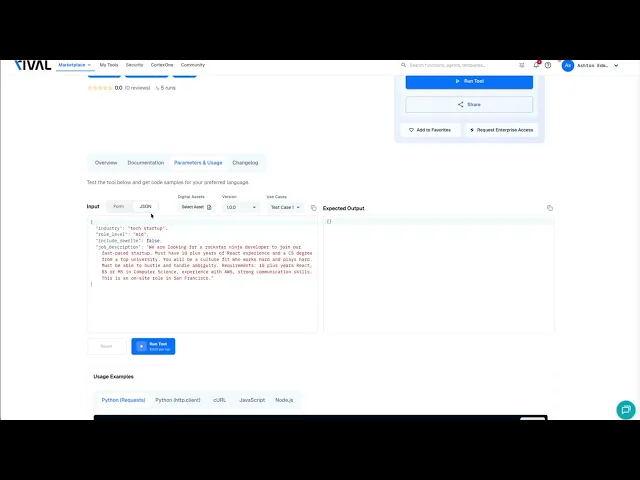
Make sure you’ve selected “Form” rather than JSON under “Input”. Form is the no-code option, while JSON is for developers.
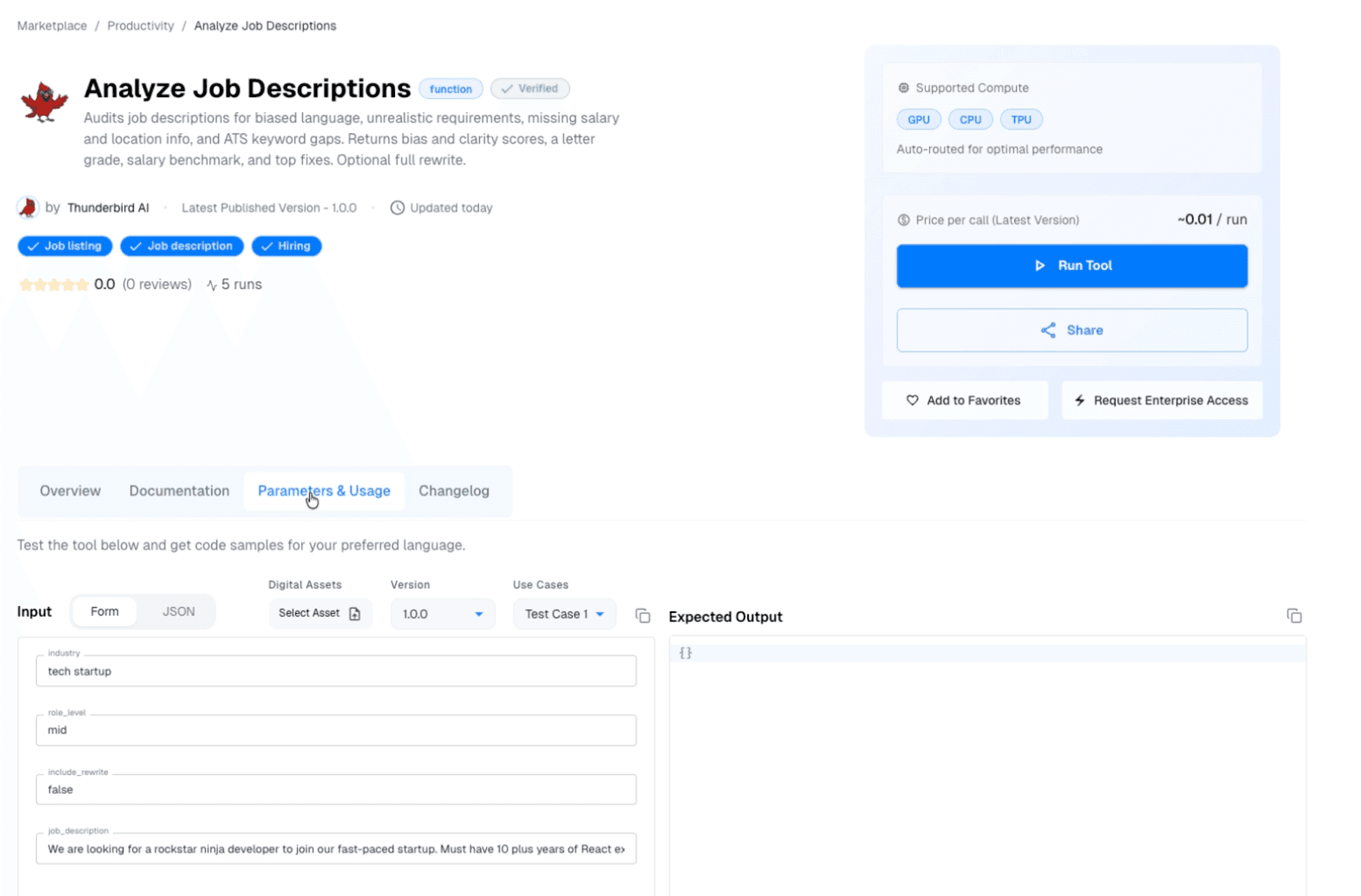
Now, the Glyph screen is visible. Each box collects one piece of information the function needs to run. This sample tool analyzes job descriptions for bias, missing keywords, and unrealistic requirements. It’s designed for hiring managers writing job descriptions, so it asks for the company’s industry, the role level, whether it needs to be rewritten, and the job description it’s going to review. Fill out each box accordingly.
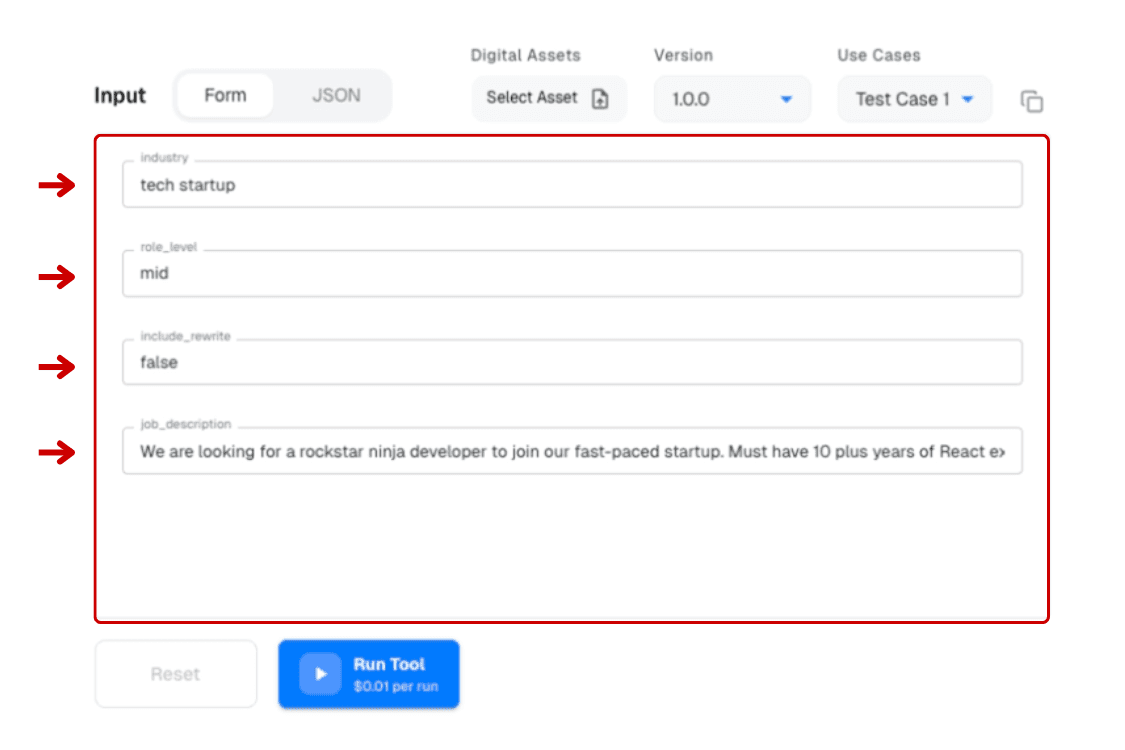
Select “Run Tool”
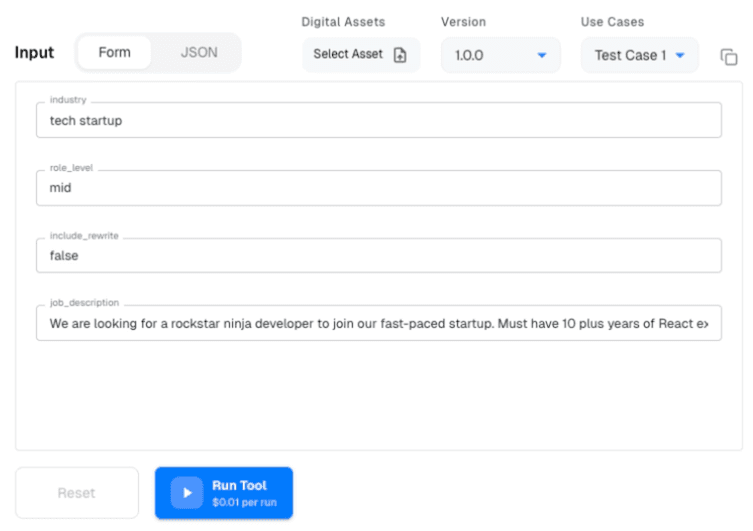
When the tool is finished running, it will produce an output, visible on the right side of the screen. In this job analyzer example, it will flag keyword gaps, bias, age-coded language, and other issues with the job description you entered.
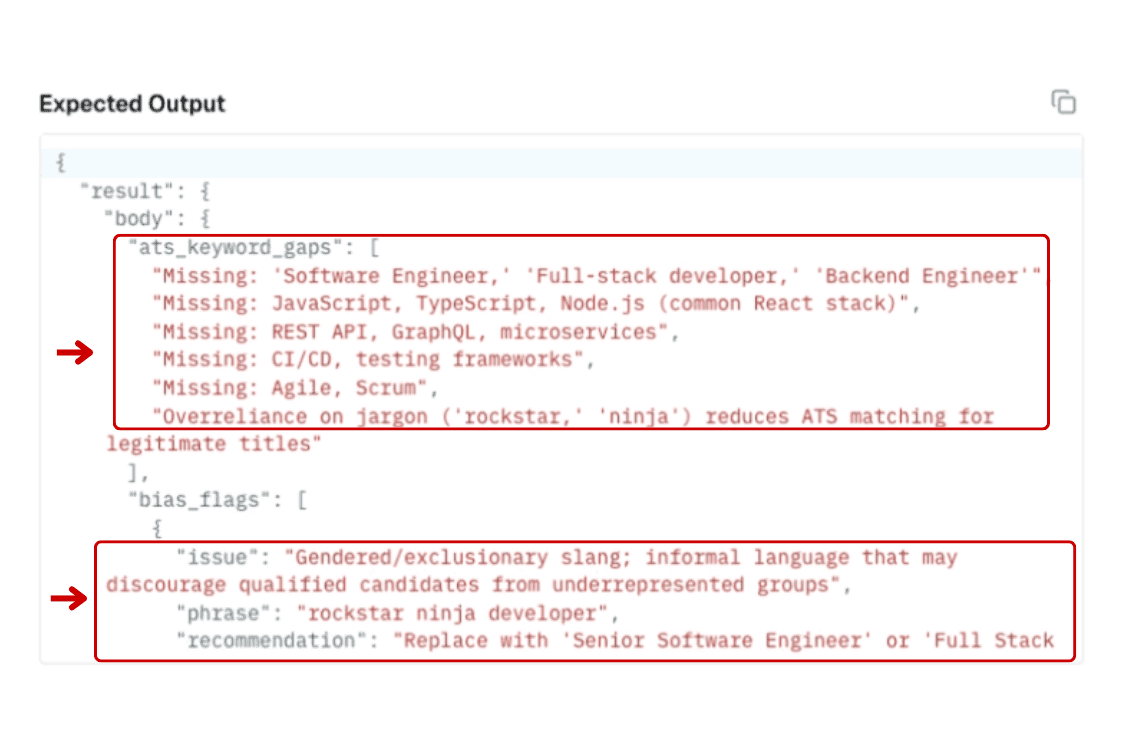
As seen in the output, this sample job description is missing keywords like “Software Engineer”, “Full-stack developer”, and “Backend Engineer”. It also has a few bias flags like gender exclusionary slang and informal language. The tool recommends correcting these.

Please use the chatbot, found in the bottom right corner of the screen, if you have any additional questions, or contact Rival support.